 Terrain3DPrint
How to 3D print a terrain map
Prepare a topographic relief for 3D printing. Set up your slicer, assign filament colors, and check ridges and contours.
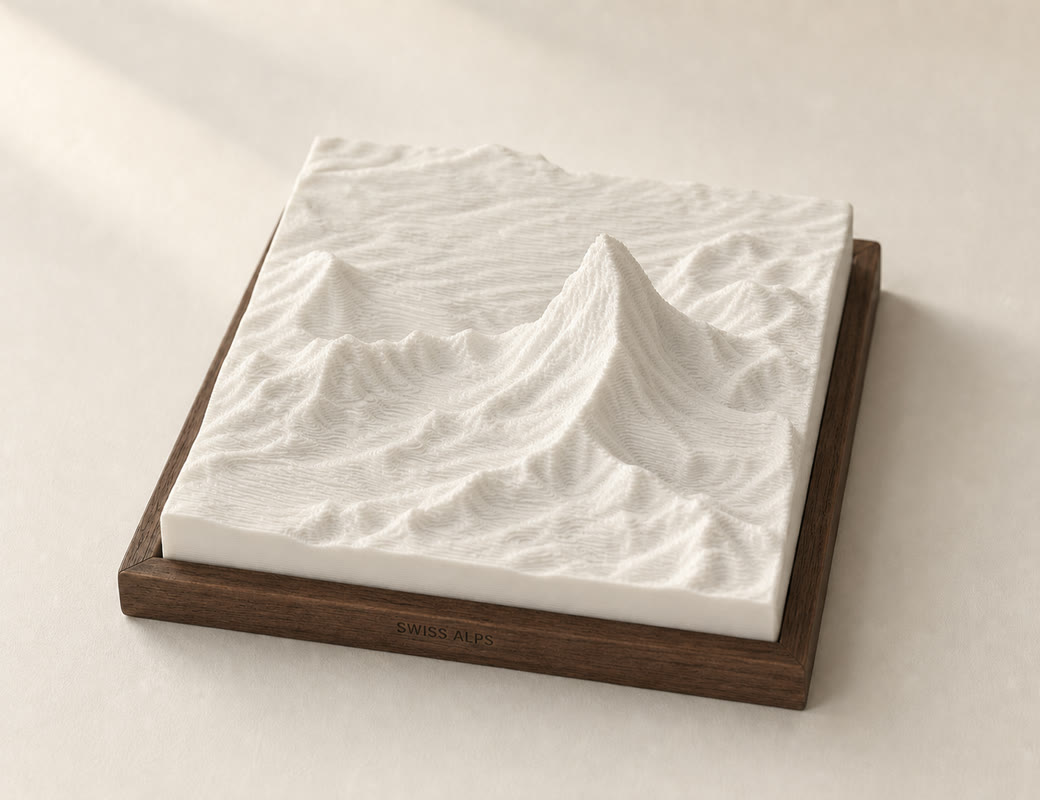
If 3MF import fails, use the STL files and assign colors in your slicer.
Open model
Choose filament
Set up slicer
Slice and check